
Alpine INE-W997D
In order to update your GPS device: Alpine INE-W997D with the latest update, follow next instructions.
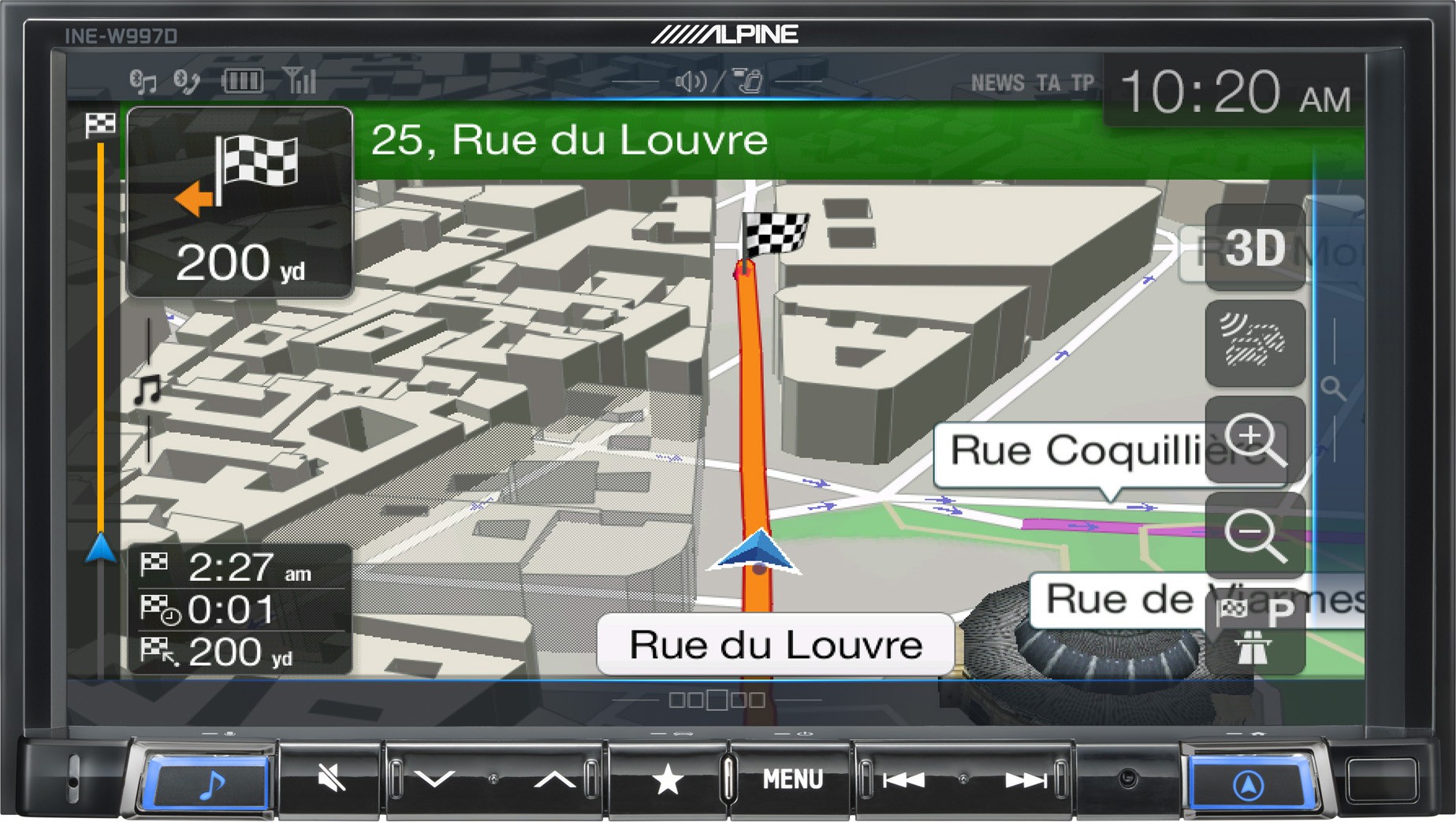
First of all, be sure you got the update file for your Alpine INE-W997D device, downloaded from SpeedcamUpdates.com.
If still haven't got it, you can get it now filling the form you see on this page.
- Extract files from the SpeedcamUpdates zip package. If the file you have downloaded is not a ZIP file means the file is already decompressed, and you can continue with the next step of this installation instructions.
- Copy all the extracted files into an empty USB stick
- Safely remove the USB stick from your PC.
- Power on the navigation device and connect the USB stick.
- The Update starts automatically and is finished when following message is displayed: "Speedcam data update finished - Please remove USB stick".
- Remove the USB stick.
Remember you can customize freely your download. Get access to the customer control panel and using the customization tool in order to get a customized speedcam database according to your needs. You will need this tool if your device doesn't accept the size of the new update. You can add and remove countries speedcam data to your current setup.
Alpine INE-W997D Speed Camera Update Information
The Alpine INE-W997D utilizes the latest iGO Primo navigation software, which ensures comprehensive map coverage and regular updates to the map database. Users can expect detailed mapping for various regions, allowing for accurate navigation. Keeping the map data current is essential for optimal performance, as it includes the latest road changes, points of interest, and traffic regulations. Regular updates enhance the device's ability to provide precise route calculations and improve overall navigation efficiency, ensuring that users can navigate confidently and avoid outdated information.
To install and update maps on the Alpine INE-W997D, users can utilize USB or SD card methods. First, download the latest map updates from the official Alpine website or authorized sources onto a computer. Next, transfer the updates to a USB drive or SD card. Insert the USB or SD card into the INE-W997D, and follow the on-screen prompts to initiate the update process. This straightforward workflow ensures that users can easily maintain up-to-date navigation data without complicated procedures.
The Alpine INE-W997D provides reliable route guidance, utilizing the advanced capabilities of the iGO Primo software. Users can expect clear, turn-by-turn directions that adapt to real-time conditions. Additionally, the device can alert users to speed camera locations, enhancing safety and compliance with traffic regulations. By integrating these features, the INE-W997D ensures that drivers receive timely notifications and guidance, contributing to a smoother and more informed driving experience.
Looking for additional GPS update information and compatible navigation systems?
GPS Update & Installation Guide