
Skoda Amundsen 2017
In order to update your GPS device: Skoda Amundsen 2017 with the latest update, follow next instructions.
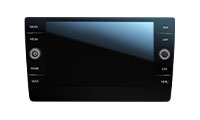
First of all, be sure you got the update file for your Skoda Amundsen 2017 device, downloaded from SpeedcamUpdates.com.
If still haven't got it, you can get it now filling the form you see on this page.
- Extract files from the SpeedcamUpdates zip package. If the file you have downloaded is not a ZIP file means the file is already decompressed, and you can continue with the next step of this installation instructions.
- Select the "NAV" tab
- Insert the SD card containing the downloaded and unzipped data in slot 2 of the GPS Device
- Select "Setup"
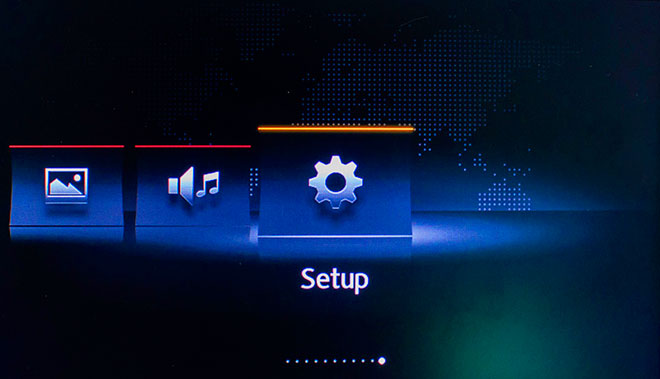
- Select "System Information"
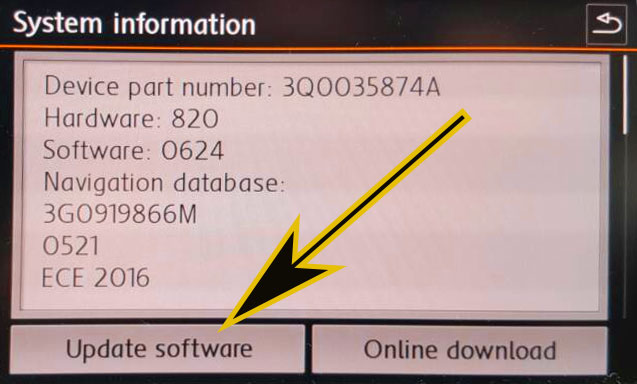
- Select "Update my POI"
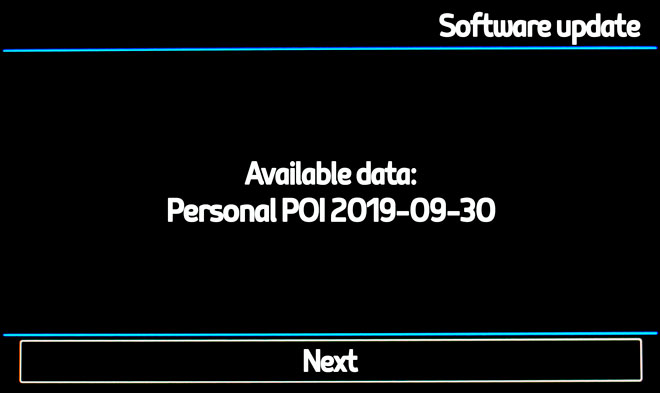
- When "Software Update Available" is shown on the screen, you have to select Update and Next
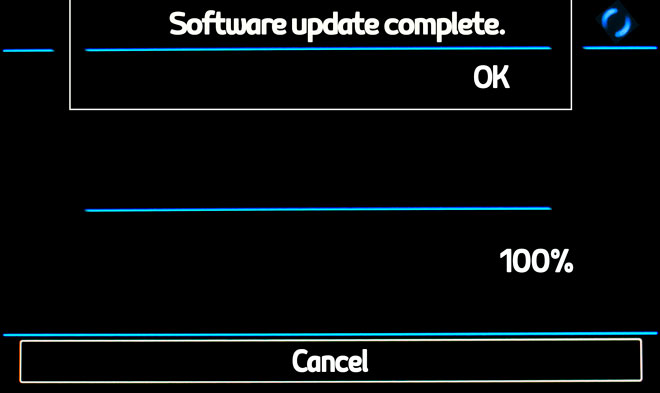
- When import procedure has finished then return to NAV
- Select "Map"
- Select "Show POI"
- Select "Show Categories"
- Scroll down till I see Speedcameras and tick them (mark with ?V?-sign).
- The cameras will be shown on the map. When you approach to the camera a weak warning sound is played. This could happen or not depending on the models.
If you get an error message when you're updating your device, follow next steps. Insert the SD card into your computer again. Copy the file named 'metainfo2.txt" contained in PersonalPOI/MIB2HIGH folder into the root of SD card replacing the meta2info.txt file that should be already there. Also copy completely the folder PersonalPOI into the root folder replacing the PersonalPOI folder already there. Extract the SD card from your computer and insert it into your GPS device again. Repeat the installation procedure.
Remember you can customize freely your download. Get access to the customer control panel and using the customization tool in order to get a customized speedcam database according to your needs. You will need this tool if your device doesn't accept the size of the new update. You can add and remove countries speedcam data to your current setup.
Skoda Amundsen 2017 Speed Camera Update Information
The Skoda Amundsen 2017 navigation system relies on a map database that requires regular updates to ensure accurate routing and coverage. As road networks and points of interest change frequently, using an outdated map can lead to navigation errors. Upgrading to the latest 2026 maps is essential for optimal performance. Users can access the Skoda Update Portal to find the most recent map updates tailored for their vehicle. This ensures that the navigation system reflects current road conditions, new routes, and updated traffic regulations, enhancing the overall driving experience.
Updating the Skoda Amundsen navigation system involves a straightforward process using an SD card. First, download the latest map updates from the Skoda Update Portal onto your computer. Next, transfer the downloaded files to a compatible SD card. Insert the SD card into the vehicle's navigation system, and follow the on-screen prompts to initiate the update. This method allows for easy installation without the need for specialized tools or software, ensuring that your navigation system is equipped with the most current maps available.
The Skoda Amundsen navigation system provides route guidance that is essential for efficient travel. It offers turn-by-turn directions, helping drivers navigate unfamiliar areas with confidence. Additionally, the system can alert users to speed camera locations, enhancing safety and compliance with traffic regulations. However, it is crucial to keep the map data updated to ensure that these features function correctly. Outdated maps may not reflect new speed limits or changes in road layouts, potentially leading to navigation challenges and missed alerts.
Looking for additional GPS update information and compatible navigation systems?
GPS Update & Installation Guide